Get more from the DP World Tour. My Tour is your free digital membership giving you early access to tickets, personalised insider content, exclusive games, offers, and competitions all season long.
- Win
- Play
- Follow
- Attend
- Save

Win
Get access to exclusive competitions, unique offers, and rewards throughout the season that you won't find anywhere else.

Play
Get closer to the action with Fantasy DP World Tour. Build your team, join mini-leagues, and compete against fans around the world!

Follow
Never miss a moment from the players you love. Follow every shot, get real-time updates, and enjoy personalised content made just for you.

Attend
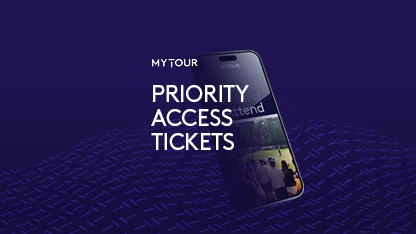
Get first access to DP World Tour events by enjoying exclusive priority booking windows.

Save
Unlock exclusive deals and discounts at some of the most prestigious golf courses around the world.


DP World Tour Official Partners